
Get the App…
The NVMR App is where you can access our free plugins, download your plugins, manage updates, create and manage your account - all in one spot.
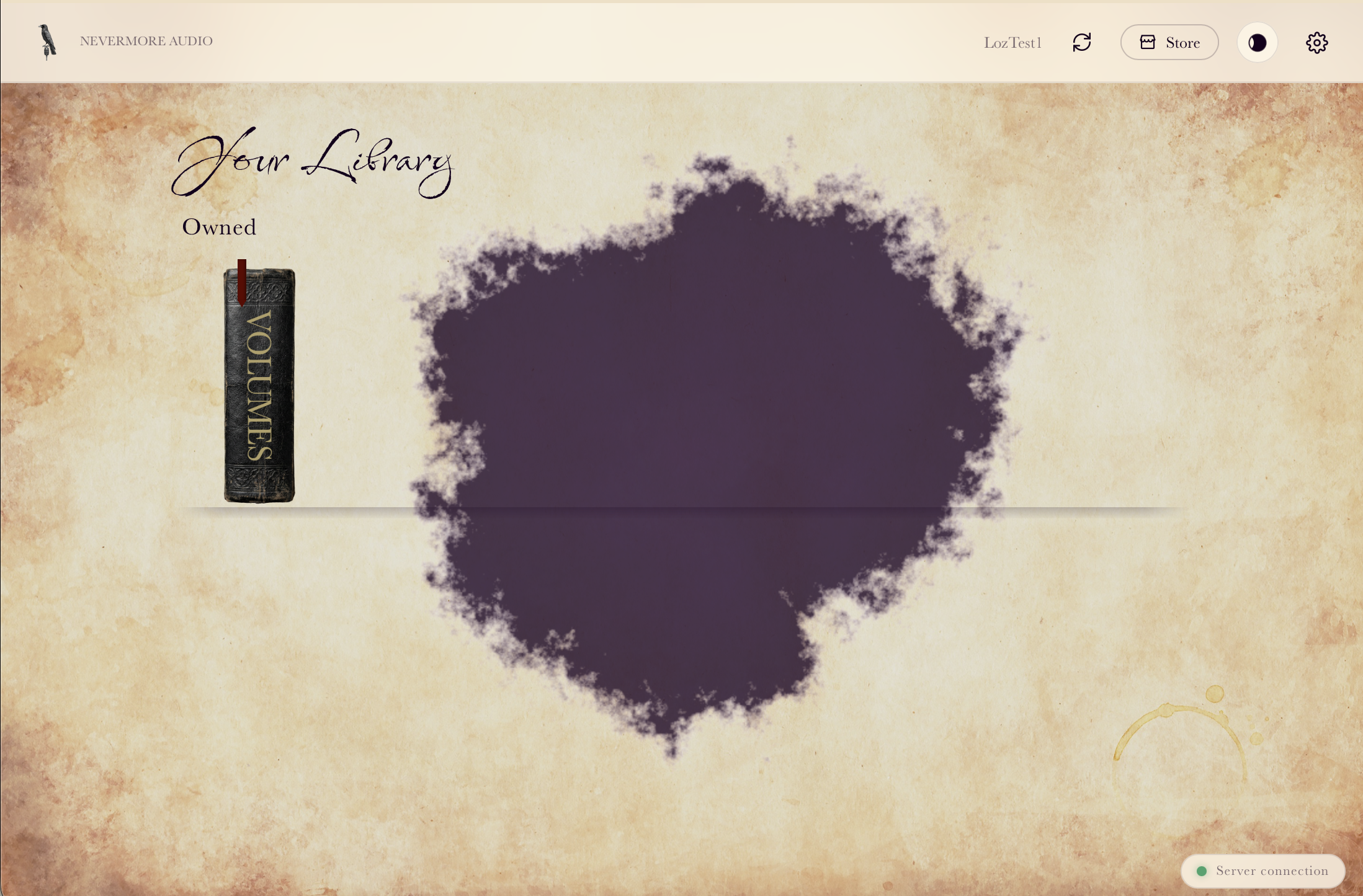

A video walkthrough of the NVMR App - check out the bookshelf and get setup for what’s to come.
Browse your bookshelf…
Once you’ve got it…
Install into your Applications folder and open the app, create your Nevermore account with an email and password - this email is what you need to use in future when making any purchases from the store.
Once you’re logged in you’ll be able to set the folder your samples install to, so if you’ve got a dedicated drive for samples or want to keep them off your OS Disk the app can manage that for you.
You’ll then be greeted by The Bookshelf - this is where you’ll be able to access your free plugins and any purchases you’ve made from the Nevermore Store, as well as open their user manuals.
The app manages downloads, installs and licensing transparently.
We know sometimes updates to your plugins when you’re in the middle of a long project can be a pain, so updates are only performed when you ask for them - though we suggest you keep up to date for new fixes and features!
You can manage your licenses across multiple computers by toggling activations in the app, move all your samples to a different location, and manage your account by changing your display name, email and password